Zwift setup isn’t complicated. Here’s what you need and how to connect it.
The Trainer
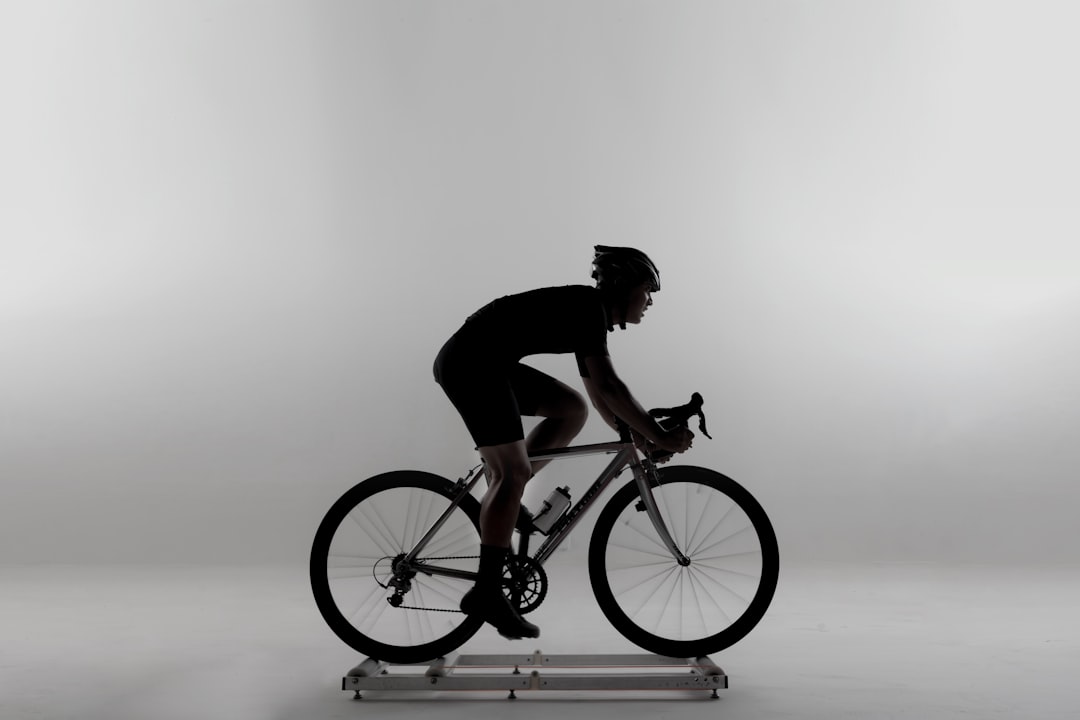
Smart trainer is best. Direct drive like Wahoo Kickr or Tacx Neo. Accurate power, ERG mode for workouts.
Wheel-on smart trainers work too. Cheaper but less accurate. Tire slip affects readings.
Dumb trainer plus power meter is an option. Brings your own accuracy.
The Device
Apple TV is the cheap sweet spot. Runs Zwift smoothly. $150. Easiest setup.
iPad works. Phone works but small screen. Computer for full graphics.
Connectivity
ANT+ or Bluetooth. Most trainers have both. Apple TV is Bluetooth only. USB dongle for ANT+ on computers.
Pair in Zwift settings. Power source, cadence, controllable. Different connections for each.
Setup Process
Download app. Create account. Pair trainer. Select workout or route. Ride.
First time takes 15 minutes. After that, just hop on and go.
Accessories
Fan. Mandatory really. Indoor cycling is hot. Point it at your face.
Mat under trainer. Protects floor from sweat. Dampens noise.
Towel on handlebars. Sweat corrodes things. Wipe down after.
Subscription
$15/month. Worth it for regular indoor riding. Pause in good weather months.
Free trial available. Try before committing.